
Loading
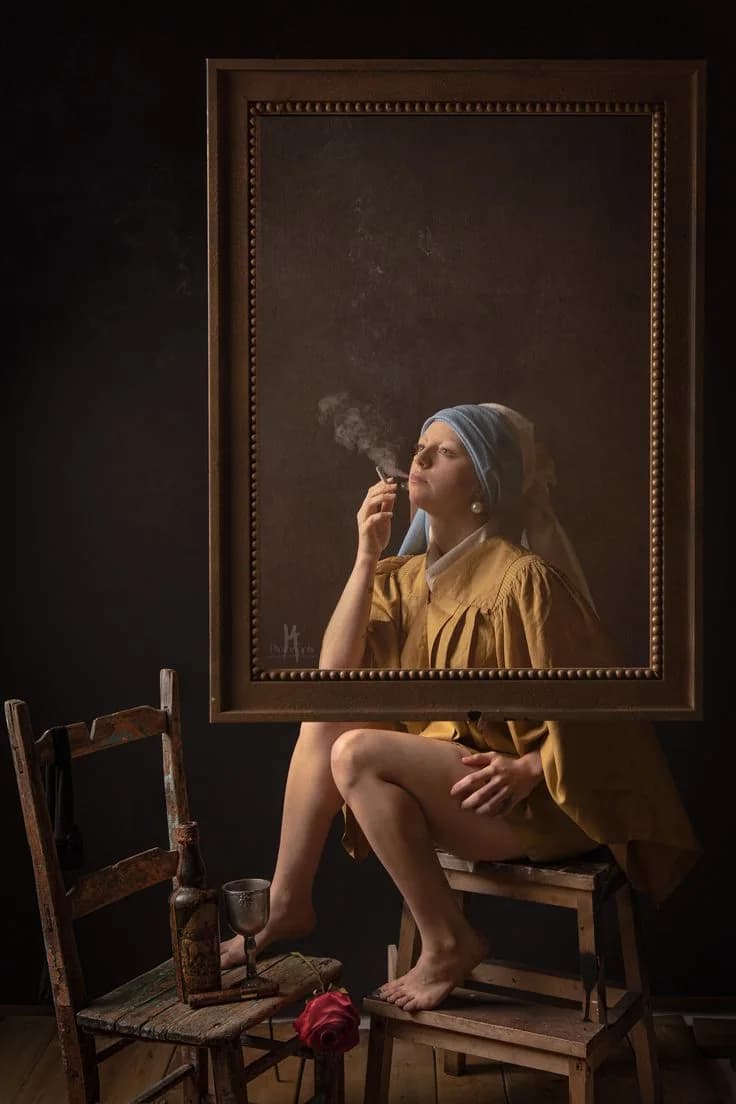
This page keeps the custom order workflow clean: room intent, size guidance, reference imagery, and production notes. It is built to feel premium rather than form-heavy.
At a glance
Size tiers
7
Workflow
Contact first
Account
Not required
Delivery
Studio handled
Tone
Quiet luxury
Contact-First Ordering
You do not need an account to place a custom order. Choose your preferred platform, continue the conversation there, and we will guide the artwork, quotation, invoice, and delivery manually from the studio.
You do not need an account to place an order.
Choose the platform that feels easiest for you, and we will continue with you directly to finalize the artwork, price, invoice, and delivery details.
This keeps the website focused on discovery while the studio handles the conversation personally.
Required studio intake
Add your name and one contact method. We save the request inside the studio system before any chat or social platform opens.
Name plus email or phone is required before continuing.
Order context
Artwork: Custom Artwork Request
Lead source: Website
Open a prefilled WhatsApp message so we can continue the order on the fastest channel.
Continue in Instagram DM @mova.canvas. We will pick up the order details there.
TikTok
TikTok is available as a preferred channel. Until the account link is configured, we will open the contact form with your order context.
Signal
Open Signal and continue privately with the studio team.
Email / Contact Form
Use the website form or email workflow if you want everything written clearly in one place. We route replies through support@movacanvasstore.com.
Or contact us directly on Instagram: @mova.canvas
Workflow
Choose the artwork or custom direction.
Share dimensions, delivery needs, and preferred contact channel.
The studio confirms details, invoice, and payment.
Production and delivery are handled personally.
Share the atmosphere, colors, and emotional direction you want the piece to create.
Add wall measurements, preferred orientation, and the scale you want the work to hold.
Upload one or two reference images so the production team can match the visual language.
Note the destination, timeline, and any installation considerations for the final piece.